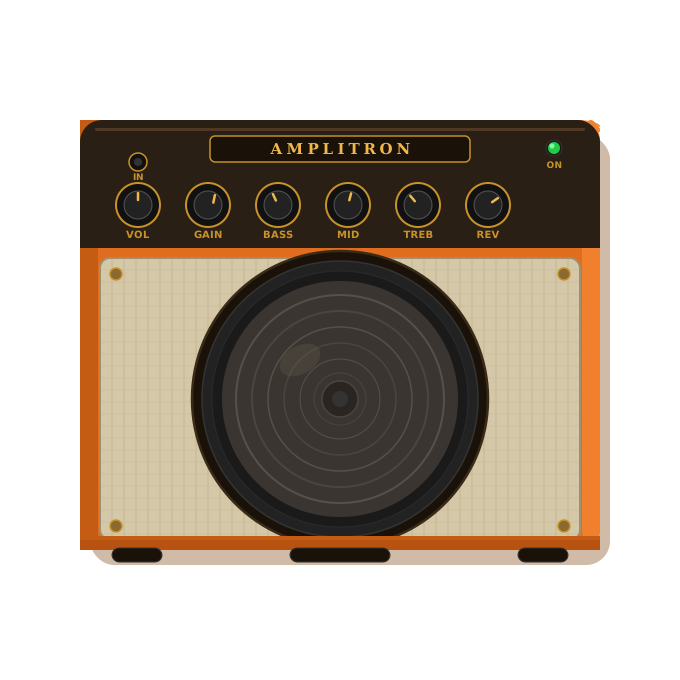
AMPLITRON
Professional Guitar Amp Simulator
Real-time audio processing • Ultra-low latency • Studio-quality effects

Amplitron is a professional-grade guitar amplifier simulator designed for musicians, producers, and audio enthusiasts. Experience studio-quality tone shaping with real-time processing, customizable effect chains, and ultra-low latency performance.
Transform Your Guitar Sound
Real-Time Processing
Ultra-low latency audio engine with configurable buffer sizes. Play through your computer with no noticeable delay.
12 Studio Effects
Noise Gate, Compressor, Overdrive, Distortion, EQ, Amp Simulator (4 models), Cabinet Sim, Chorus, Delay, Reverb, Wah (manual & auto-wah), and Chromatic Tuner.
Preset System
Save and load your favorite tones. Share presets with other musicians. Build your signature sound library.
WAV Recording
Record your processed guitar output directly to WAV files. Capture your performances with the full effect chain applied.
Beautiful Interface
Intuitive pedal board UI with visual feedback. Drag-and-drop effect ordering. Real-time level metering.
Cross-Platform
Native builds for Windows, macOS, and Linux, plus a browser-based web demo via WebAssembly. Optimized for each platform.
🎬 First Look & Demo
Watch the official demo video to see Amplitron in action. See the pedal board interface, effects in real-time, and hear the professional amp simulation.
▶ Watch on YouTubeDownload Amplitron
System Requirements
- Audio Interface: Any PortAudio-compatible device (ASIO, WASAPI, CoreAudio, ALSA)
- RAM: 512 MB minimum, 1 GB recommended
- CPU: Dual-core processor or better
- Display: 1280×720 minimum resolution
- Input: Guitar with 1/4" cable and audio interface, or USB guitar cable
Installation Instructions
Windows
-
Download
Amplitron-Windows-Setup.exe - Run the installer — if SmartScreen appears, click “More info” then “Run anyway”
- Follow the setup wizard
- Launch from the Start Menu or Desktop shortcut
- Connect your guitar interface and start playing!
To uninstall, use Add or Remove Programs in Windows Settings.
macOS
- Download
Amplitron-macOS.dmg - Open the disk image and drag Amplitron to Applications
- First launch: Right-click the app → select “Open” → click “Open” in the dialog
- Grant microphone permissions when prompted
If macOS says the app is damaged, open Terminal and
run:
xattr -cr /Applications/Amplitron.app
Linux
-
Install dependencies:
sudo apt install libportaudio2 libsdl2-2.0-0(Ubuntu/Debian)sudo dnf install portaudio SDL2(Fedora)sudo pacman -S portaudio sdl2(Arch) -
Download
Amplitron-Linux-x64.tar.gz -
Extract:
tar -xzf Amplitron-Linux-x64.tar.gz -
Run:
cd Amplitron-Linux && ./amplitron.sh
Open Source & Free
Amplitron is completely free and open source. Contributions, bug reports, and feature requests are welcome on GitHub. Built with C++17, PortAudio, SDL2, and Dear ImGui.
View on GitHub →